> ## Documentation Index
> Fetch the complete documentation index at: https://tigerdata-747200db-chore-custom-colored-homepage.mintlify.site/llms.txt
> Use this file to discover all available pages before exploring further.
# Integrate Decodable with Tiger Cloud
> Decodable enables you to build, run, and manage data pipelines effortlessly. Seamlessly integrate Decodable with Tiger Cloud to unlock real-time data processing capabilities
export const SERVICE_LONG = 'Tiger Cloud service';
export const SELF_LONG = 'self-hostedTimescaleDB';
export const CONSOLE = 'Tiger Cloud Console';
export const CLOUD_LONG = 'Tiger Cloud';
[Decodable][decodable] is a real-time data platform that allows you to build, run, and manage data pipelines effortlessly.
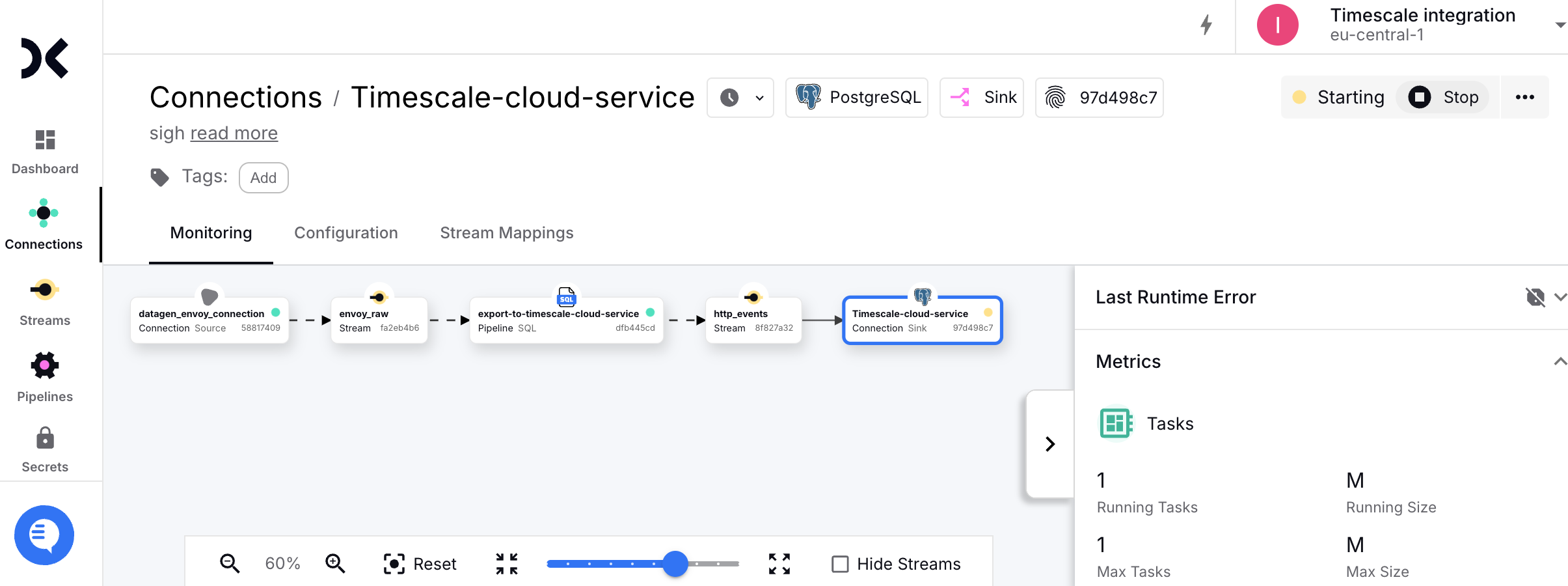
This page explains how to integrate Decodable with your {SERVICE_LONG} to enable efficient real-time streaming and analytics.
## Prerequisites
To follow the steps on this page:
* Create a target [{SERVICE_LONG}][create-service] with time-series and analytics enabled.
You need [your connection details][connection-info]. This procedure also
works for [{SELF_LONG}][enable-timescaledb].
[create-service]: /cloud/tiger/get-started/create-services
[enable-timescaledb]: /open-source/timescaledb/install-and-update/install-self-hosted
[connection-info]: /integrations/find-connection-details
* Sign up for [Decodable][sign-up-decodable].
This page uses the pipeline you create using the [Decodable Quickstart Guide][decodable-quickstart].
## Connect Decodable to your {SERVICE_LONG}
To stream data gathered in Decodable to a {SERVICE_LONG}:
1. **Create the sync to pipe a Decodable data stream into your {SERVICE_LONG}**
1. Log in to your [Decodable account][decodable-app].
2. Click `Connections`, then click `New Connection`.
3. Select a `PostgreSQL sink` connection type, then click `Connect`.
4. Using your [connection details][connection-info], fill in the connection information.
Leave `schema` and `JDBC options` empty.
5. Select the `http_events` source stream, then click `Next`.
Decodable creates the table in your {SERVICE_LONG} and starts streaming data.
2. **Test the connection**
1. Connect to your {SERVICE_LONG}.
For {CLOUD_LONG}, open an [SQL editor][run-queries] in [{CONSOLE}][open-console]. For {SELF_LONG}, use [`psql`][psql].
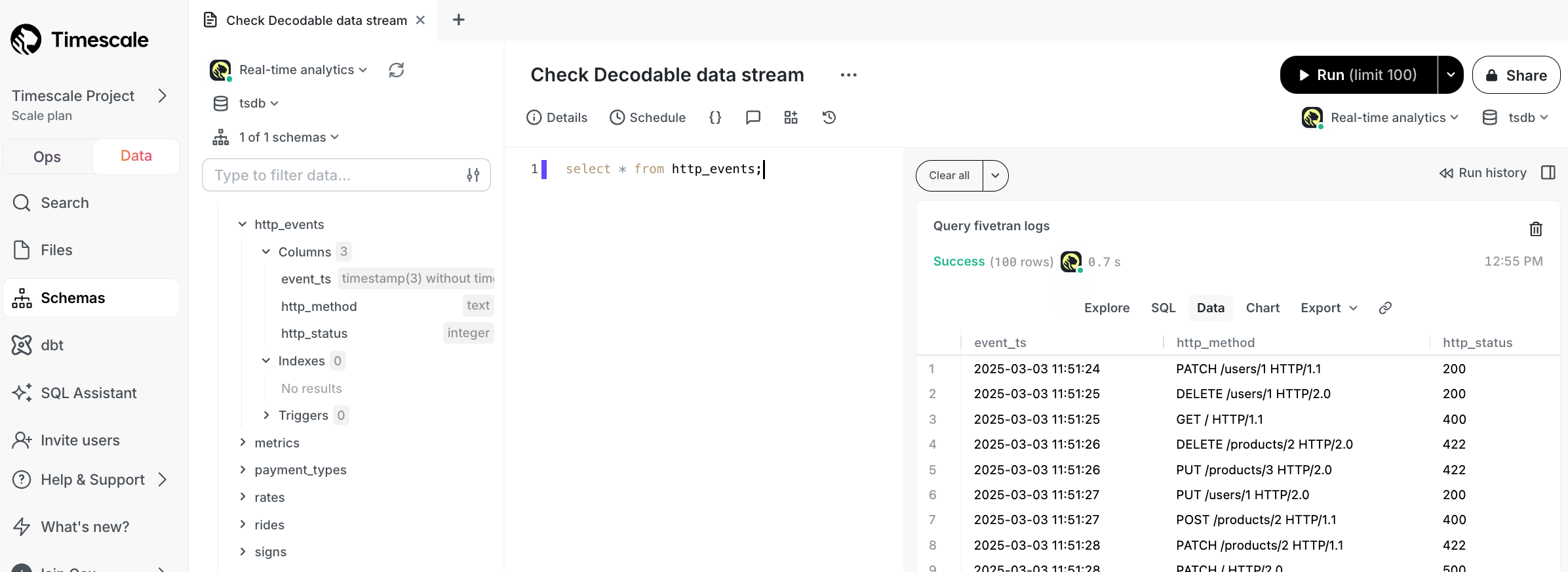
2. Check the data from Decodable is streaming into your {SERVICE_LONG}.
```sql
SELECT * FROM http_events;
```
You see something like:
You have successfully integrated Decodable with {CLOUD_LONG}.
[decodable]: https://www.decodable.co/
[decodable-app]: https://app.decodable.co/-/accounts
[sign-up-decodable]: https://auth.decodable.co/u/signup/
[decodable-quickstart]: https://docs.decodable.co/get-started/quickstart.html
[connection-info]: /integrations/:currentVersion:/find-connection-details/
[run-queries]: /getting-started/:currentVersion:/run-queries-from-console/
[open-console]: https://console.cloud.timescale.com/dashboard/services
[psql]: /integrations/:currentVersion:/psql/
[about-hypertables]: /use-timescale/:currentVersion:/hypertables/